Install Instructions
Folow these simple steps to elevate your life:
- Install or Purchase Garry's Mod and Half-Life 2: Episode 2.
- Subscribe to Elevator: Source.
- Launch Garry's Mod and wait for Elevator: Source to download. There should be a progress bar in the bottom center area.
-
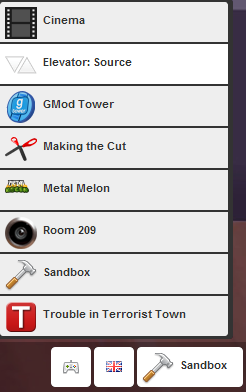
Click on "Sandbox" in the lower right hand side of GMod's menu. Select Elevator:Source in the newly opened menu.
- Select "Start New Game"
-
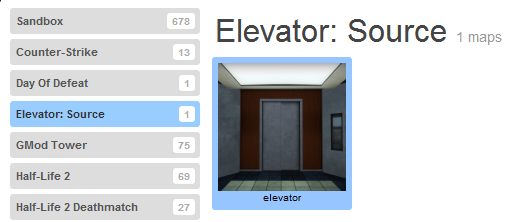
Select Elevator: Source on the left.
Then select the elevator icon on the right.
- Select 2 Players (or more) on far the right to host a server!
Note: Singleplayer is currently not working.
- Enjoy the experience of Elevator!